Review in seconds
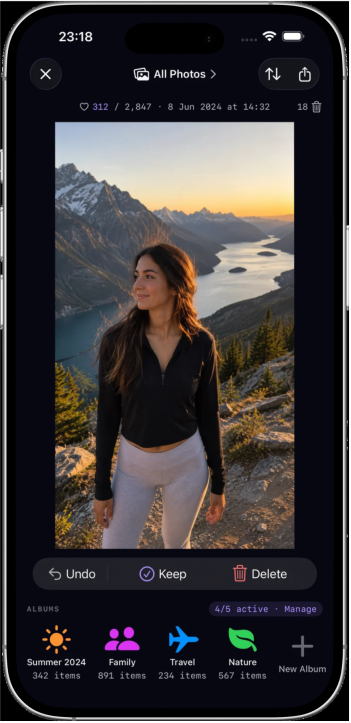
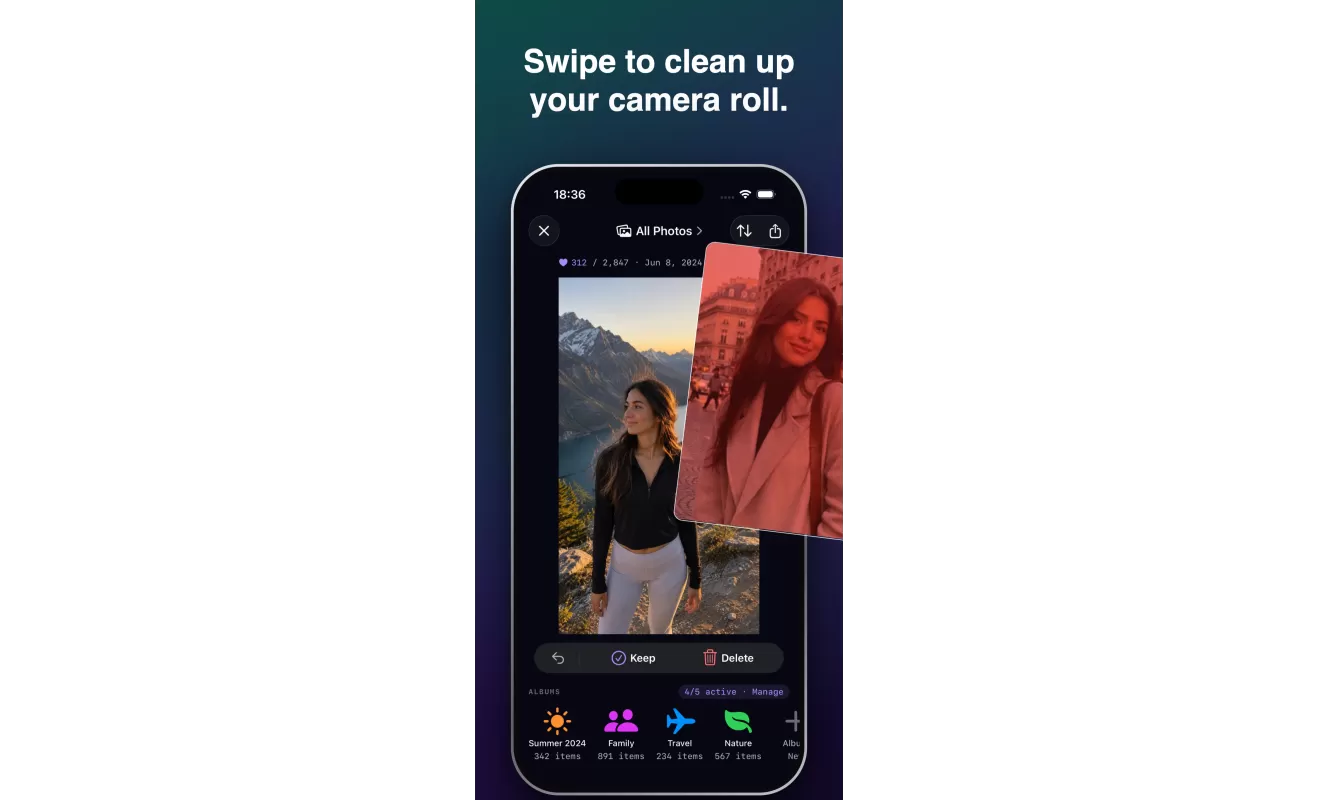
Swipe through your library with clear keep, delete, favorite, album, and maybe actions.
Review photos quickly, find duplicates and blurry shots, organize albums, and reclaim storage with a local-first app built around your iPhone photo library.
Why Fovelox
Fovelox focuses on the practical photo work people avoid: sorting what matters, clearing obvious clutter, and keeping albums usable.
Swipe through your library with clear keep, delete, favorite, album, and maybe actions.
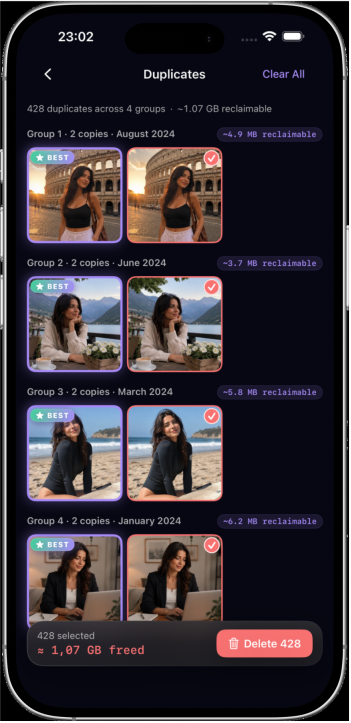
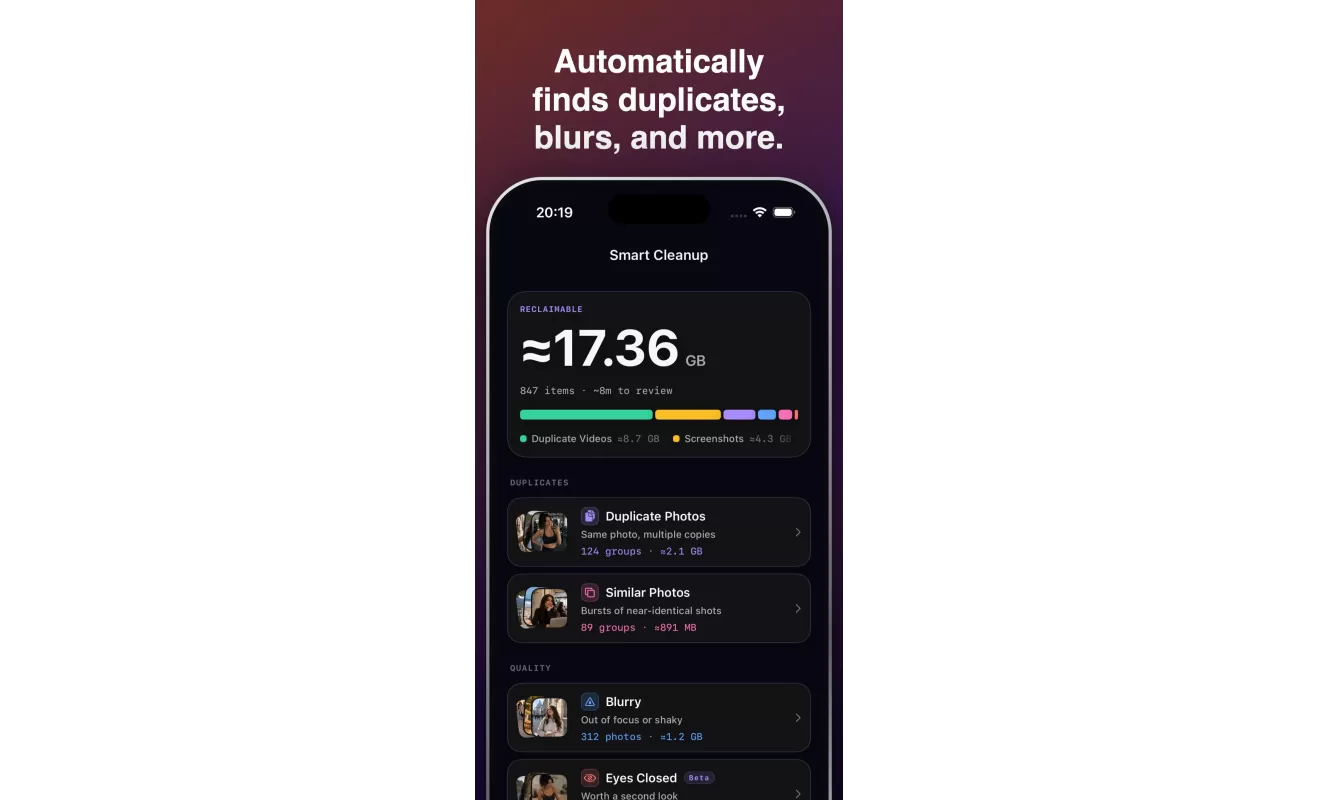
Smart Cleanup helps surface duplicates, similar photos, blurry shots, screenshots, videos, and closed-eye photos.
Your photo review happens on your device. Fovelox does not need an account and does not upload your photo library.
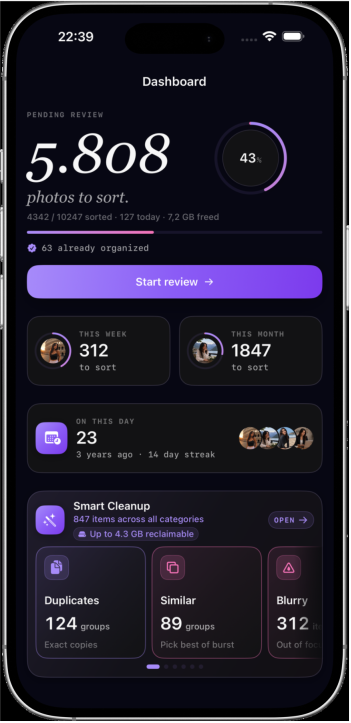
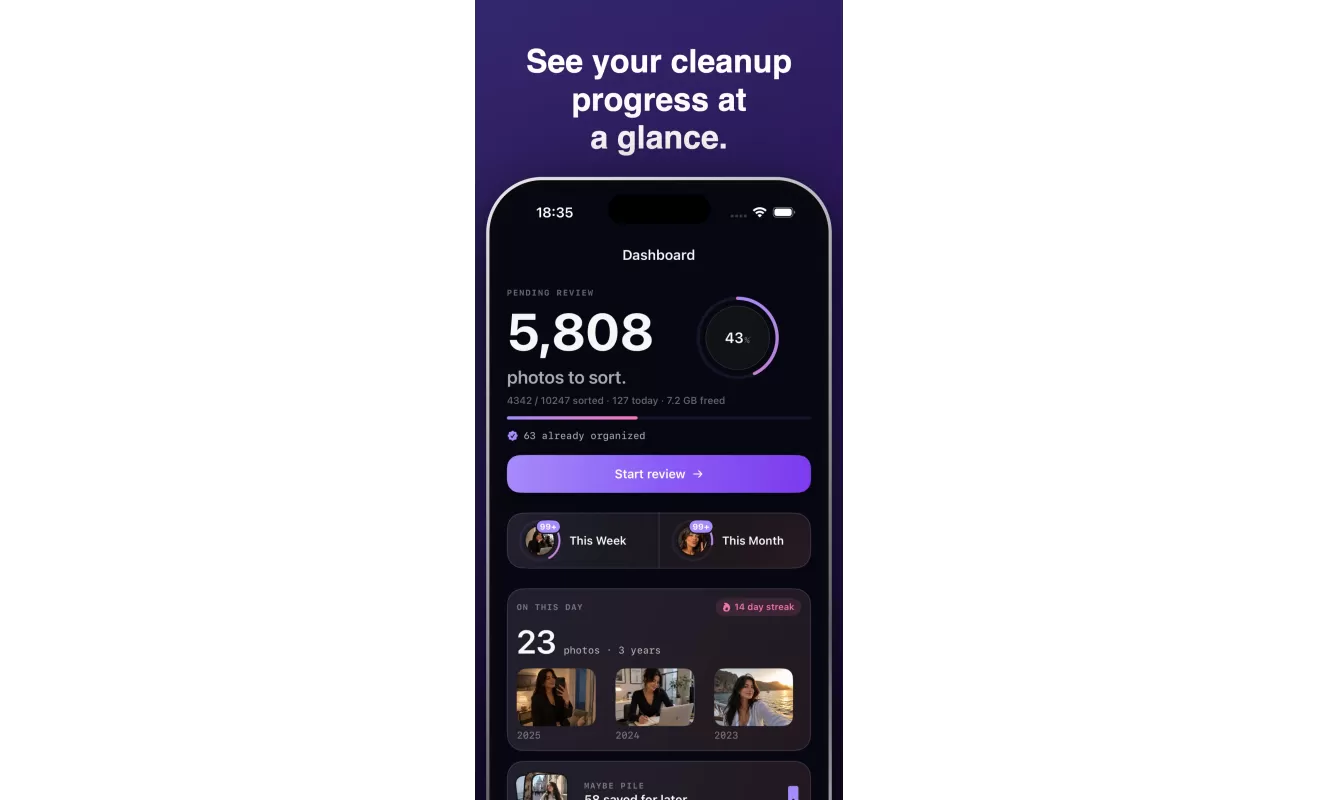
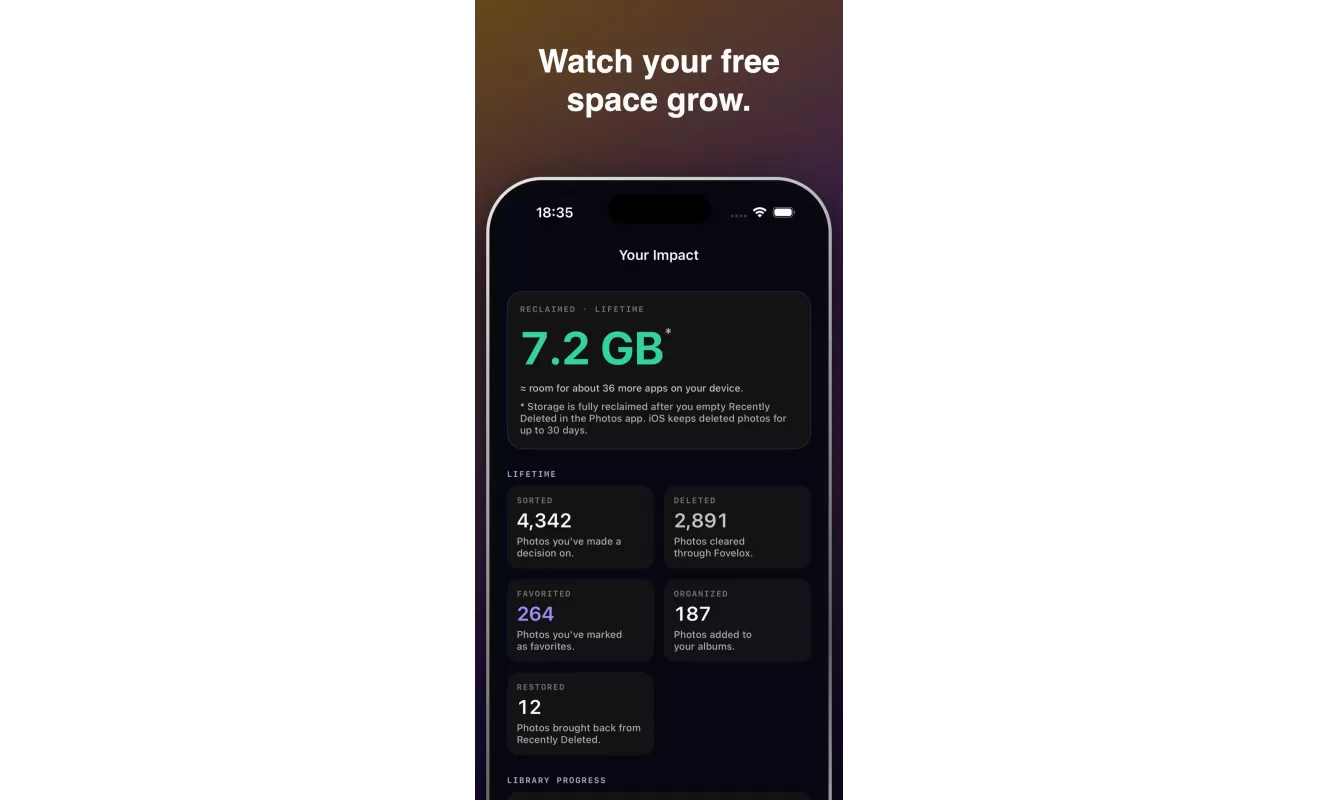
See reviewed photos, reclaimed storage, favorites, and organized albums so cleanup feels measurable.
Core tools
Fovelox combines fast manual review with focused smart cleanup, so you can move through the library at your own pace.
Work through all photos, a month, an album, or a focused queue. Sort by newest, oldest, or largest when storage is the goal.
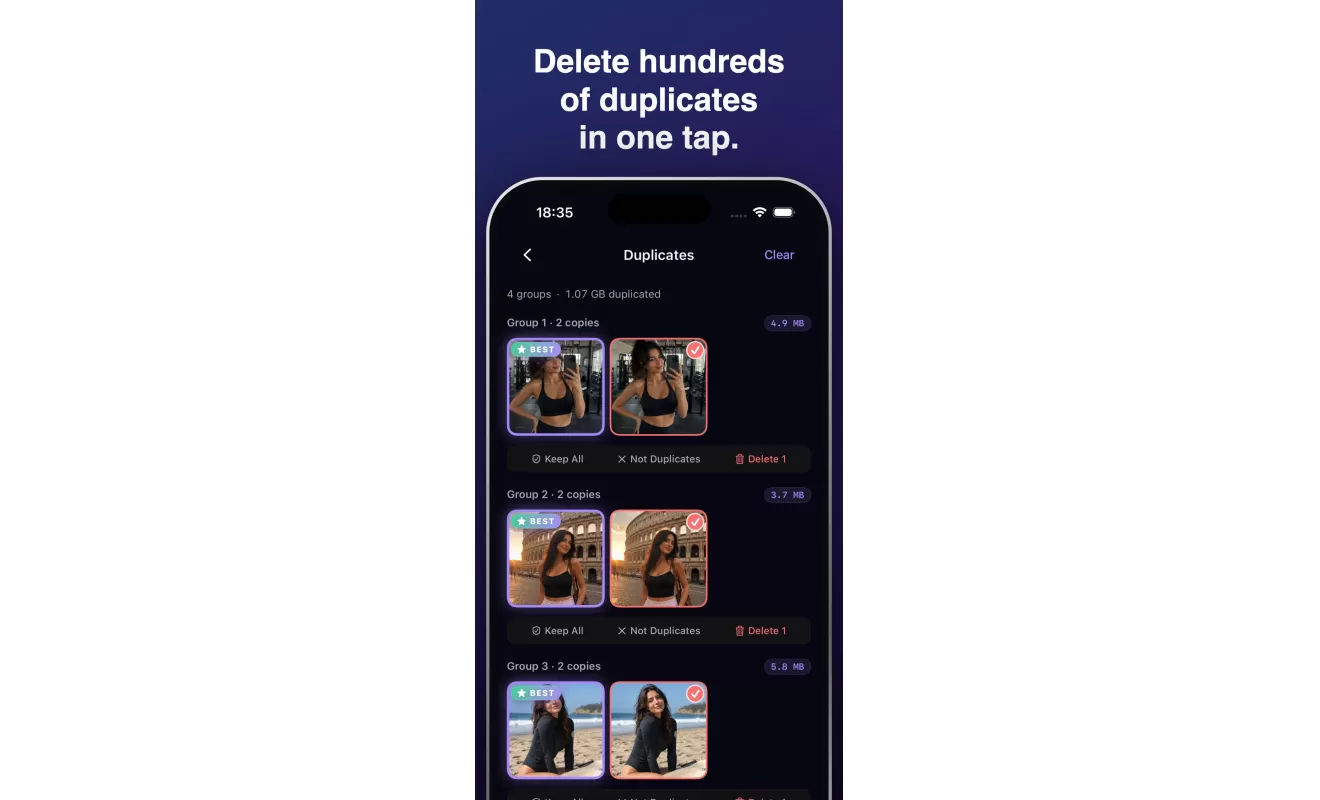
Find duplicate groups, similar sets, blurry photos, screenshots, videos, and closed-eye photos with on-device analysis.
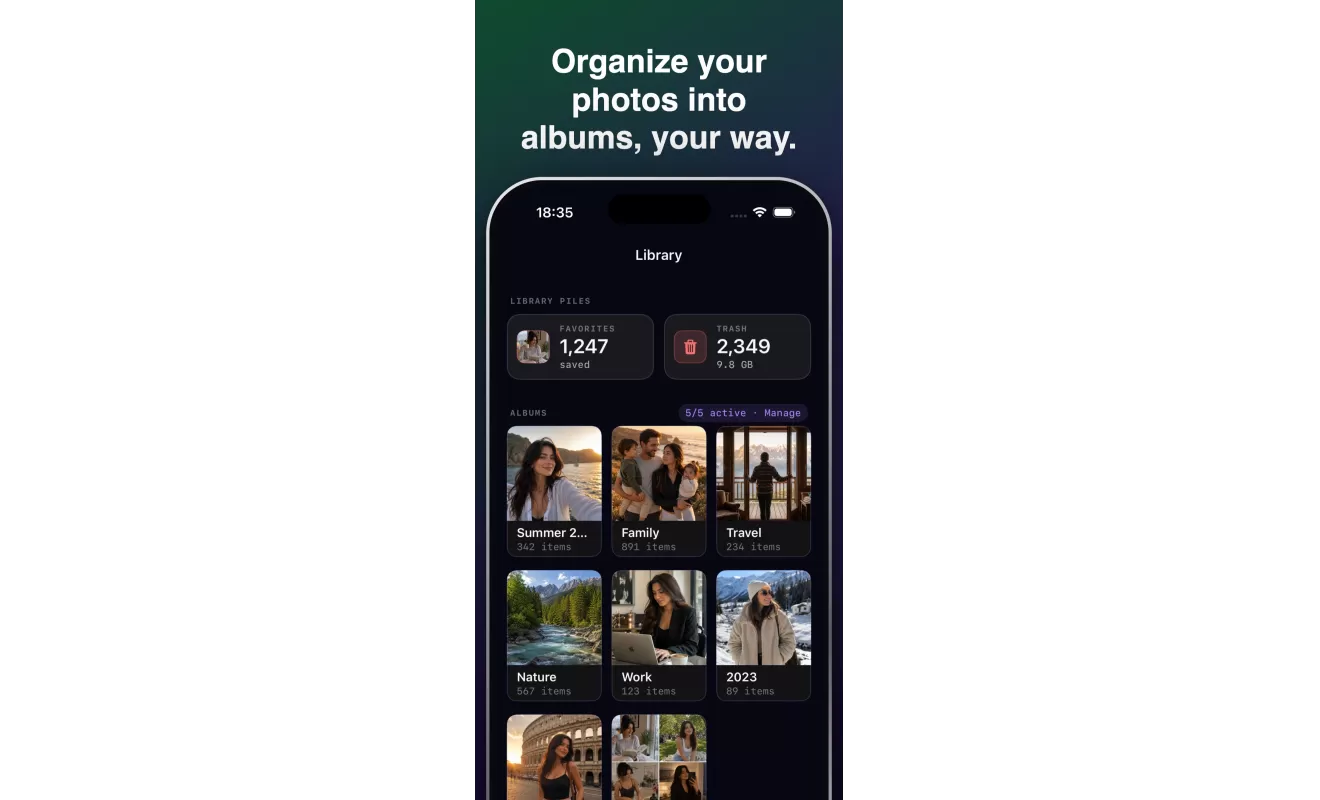
Use quick album actions while reviewing, then revisit your organized albums from one clean library view.
Save uncertain photos for later instead of forcing a decision. Come back when you are ready.
Watch storage savings and cleanup history grow as you review, delete, favorite, and organize.
App visuals
Dashboard progress, swipe review, smart cleanup, duplicates, albums, and storage impact all work together in one app.
Support
Fovelox uses Photos permission only to display and organize your library. Deletes move through iOS Photos, and recoverable items remain in Recently Deleted according to Apple's Photos behavior.
FAQ
No. Fovelox is designed as a local-first photo organizer. Review, cleanup, and organization happen on your device, and your photo library is not uploaded to Fovelox servers.
Fovelox uses iOS Photos behavior. Deleted photos move to Recently Deleted, where Apple generally keeps them recoverable for a limited period unless you permanently remove them in Photos.
Yes, but results only cover the photos you allow. For full-library review and cleanup, grant full Photos access in iOS Settings.
Smart Cleanup surfaces candidates. You stay in control of what is selected, kept, deleted, or revisited later.

Ready for a cleaner library?
Start reviewing, organizing, and reclaiming space from your iPhone photo library.